
In your <head>
<meta property="og:image" content="https://ogmake.com/p/YOUR_KEY/auto?url=PAGE_URL">
Branded previews for every page. One tag.
Add your site to a public key, then put the line in your <head>. ogmake reads each page, renders its own 1200×630 card, and serves it from cache after the first request.
It is just a URL — works from Hugo, Jekyll, Django, Rails, Laravel, Ghost, any template that can print a string.
A link, unstyled
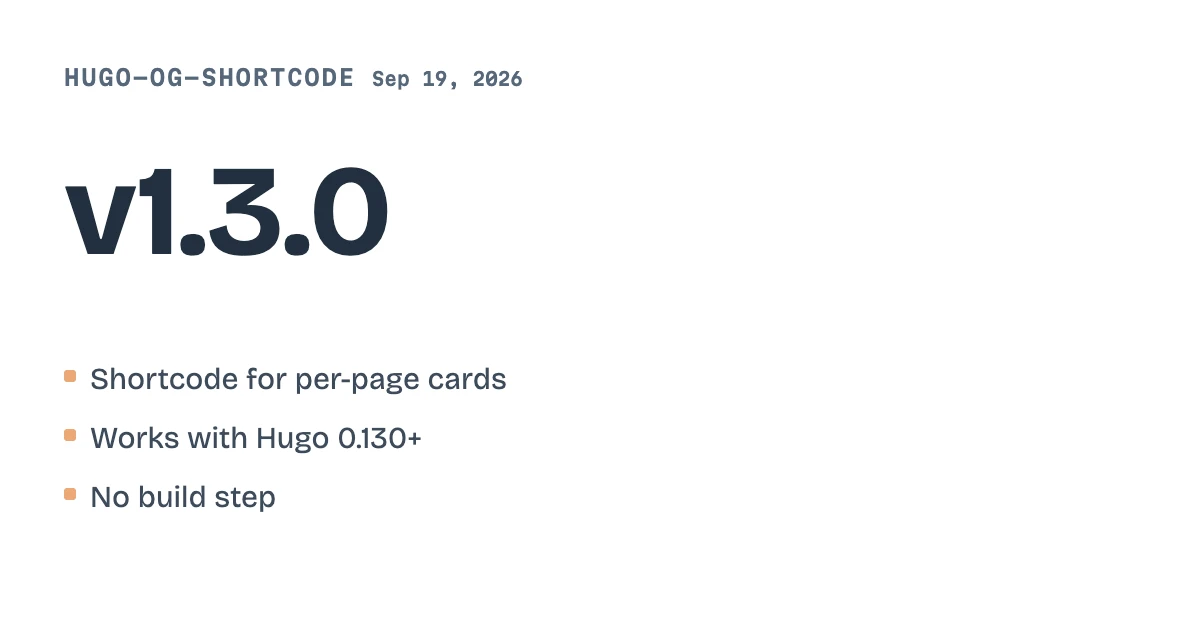
github.com/jordandoe/hugo-og-shortcode
The same link, with ogmake
Try it with your page
Paste a page. See its card.
No account needed. We read the page and render a preview card from it.
Your card appears here.
Auto mode
Three ways in.
ogmake reads the page: its product photo and price, what kind of page it is, and the site's own palette and style, chosen once per domain. The first card carries your site's palette within seconds; the AI-picked style follows shortly. Works on most public pages.
A meta tag
Put one tag on the page.
Add it to the head of your pages. ogmake reads the page behind it and builds its card, so every page you publish gets its own preview.
<meta property="og:image" content="https://ogmake.com/ p/ YOUR_KEY/ auto? url=PAGE_URL" / >
An API call
Send the page URL.
Call the API from your server and get the hosted card back. It is the same card the tag would give.
curl https://ogmake.com/ v1/ images \ -H "Authorization: Bearer YOUR_KEY" \ -H "Content-Type: application/ json" \ -d '{"auto":true, "url":"https:// example.com/ blog/ hello"}'
A short link
Share a link that carries the card.
Make a short link to a public page. The link previews as the page's card, and anyone who opens it lands on the original.
https://ogmake.com/ s/ k3x9QaP7mZ2cWb81R
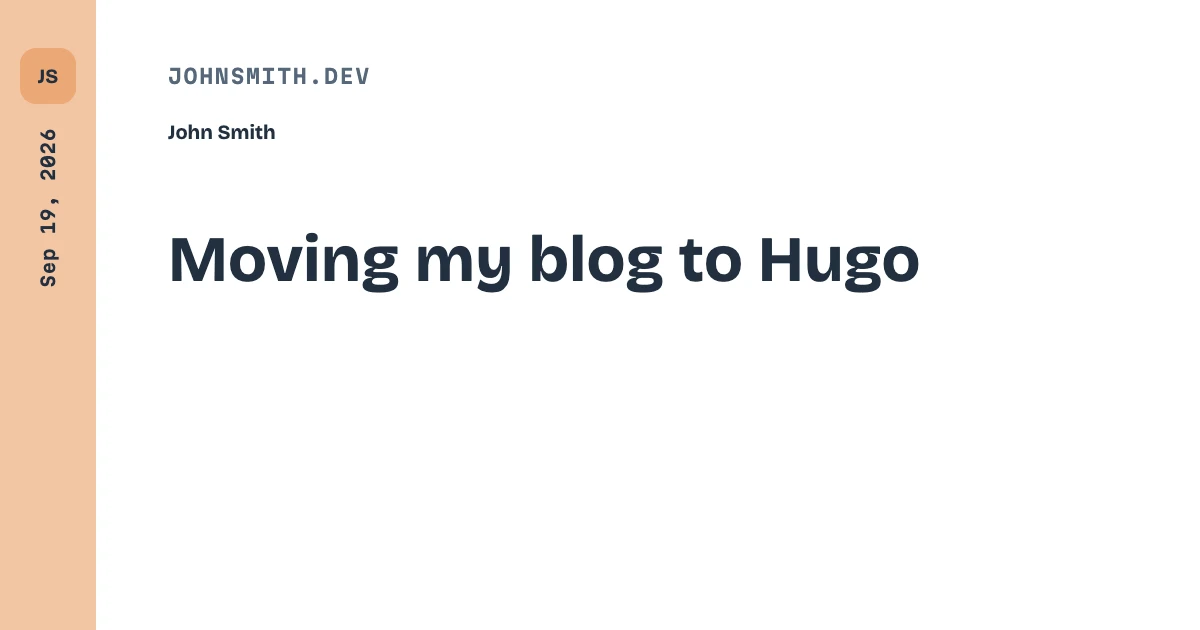
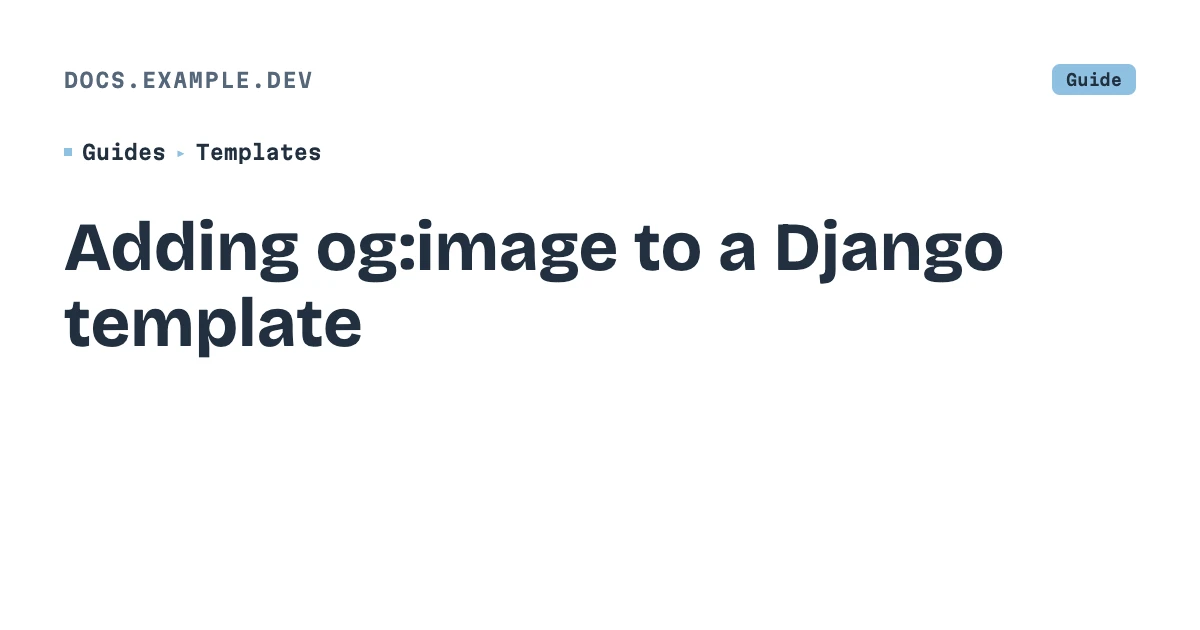
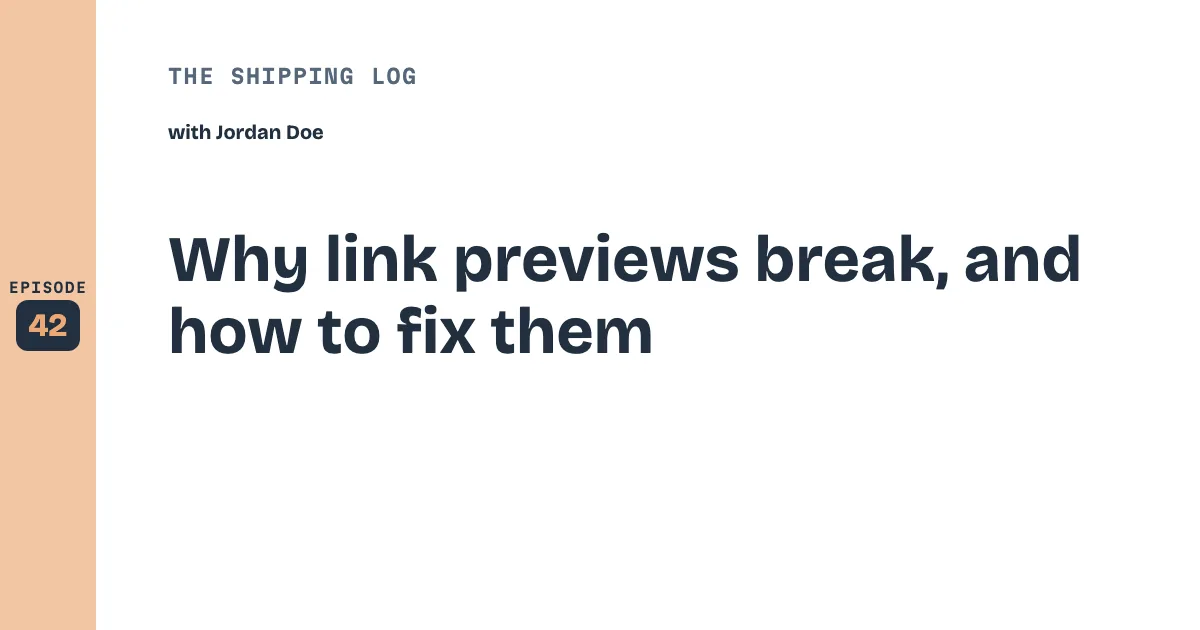
Seen everywhere your link goes.
Examples with placeholder content, using templates available on every plan, including Free. See every template and a ready-to-copy request in the templates gallery.
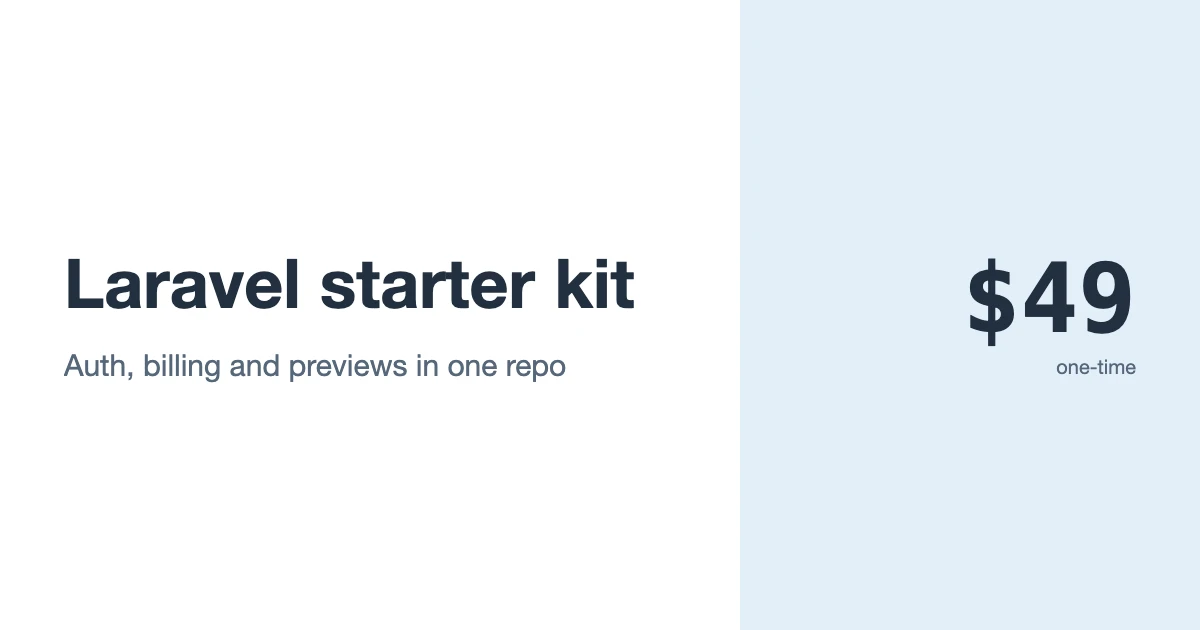
Templates
Not just a title on a card.
104 templates, each a real HTML/CSS layout with its own fields.
-
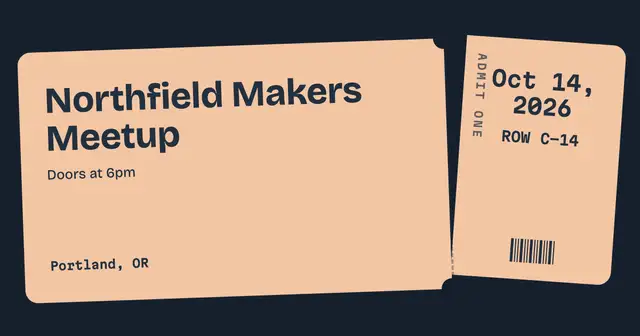
Event ticket
A perforated ticket, the stub torn off at an angle.
Open in the editor → -
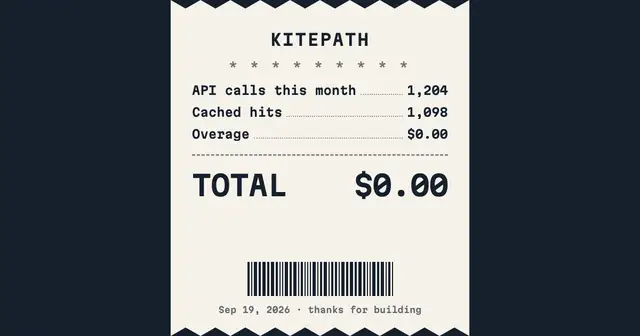
Usage report
A thermal receipt with dotted leaders, a real total and a barcode.
Open in the editor → -
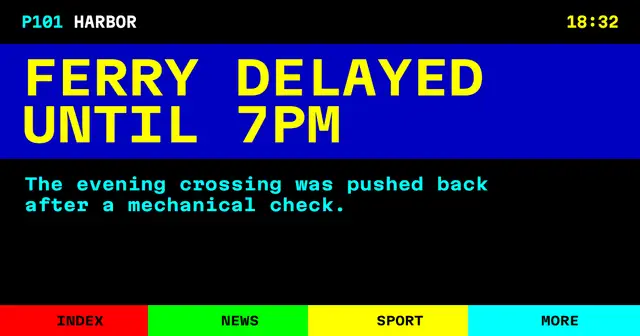
News bulletin
Ceefax colours, a yellow-on-blue headline and a Fastext strip.
Open in the editor →
Make one, or check one.
Editor
Build a card in the browser.
Pick a template, fill in its fields and watch the card update as you type. Then take the PNG, the URL, or the <meta> tag.
Open the editorChecker
See what your page shares as.
Paste any URL. We read its og: and twitter: tags, fetch the image, and show how X and LinkedIn will render the link — with a copy-ready fix for anything missing.
Check a pageHow it works.
- 01
Add one <meta property="og:image"> tag to your page's <head>.
- 02
The URL points at ogmake with your title, description and site name as parameters.
- 03
The first request renders the card from a real HTML/CSS template, served from cache from then on.
Technical details
Measured on the free generator: uncached renders typically take 1–3s (longer at peak), cached serve p50 ~57ms.
Pricing.
| Free | $0 100 credits per month |
|---|---|
| Starter Most likely fit | $12 2,000 credits · $6 per 1,000 per month |
| Scale | $24 10,000 credits · $2.40 per 1,000 per month |
| Agency | $59 30,000 credits · $1.97 per 1,000 per month |
| Pro | $69 100,000 credits · $0.69 per 1,000 per month |
| Business | $149 300,000 credits · $0.50 per 1,000 per month |
A standard template render uses 1 credit. Only new renders count; cache hits are free.
Your next deploy ships a card for every page.
Add your site, paste one tag. Every page you publish gets its own preview.